
Model & package intelligence
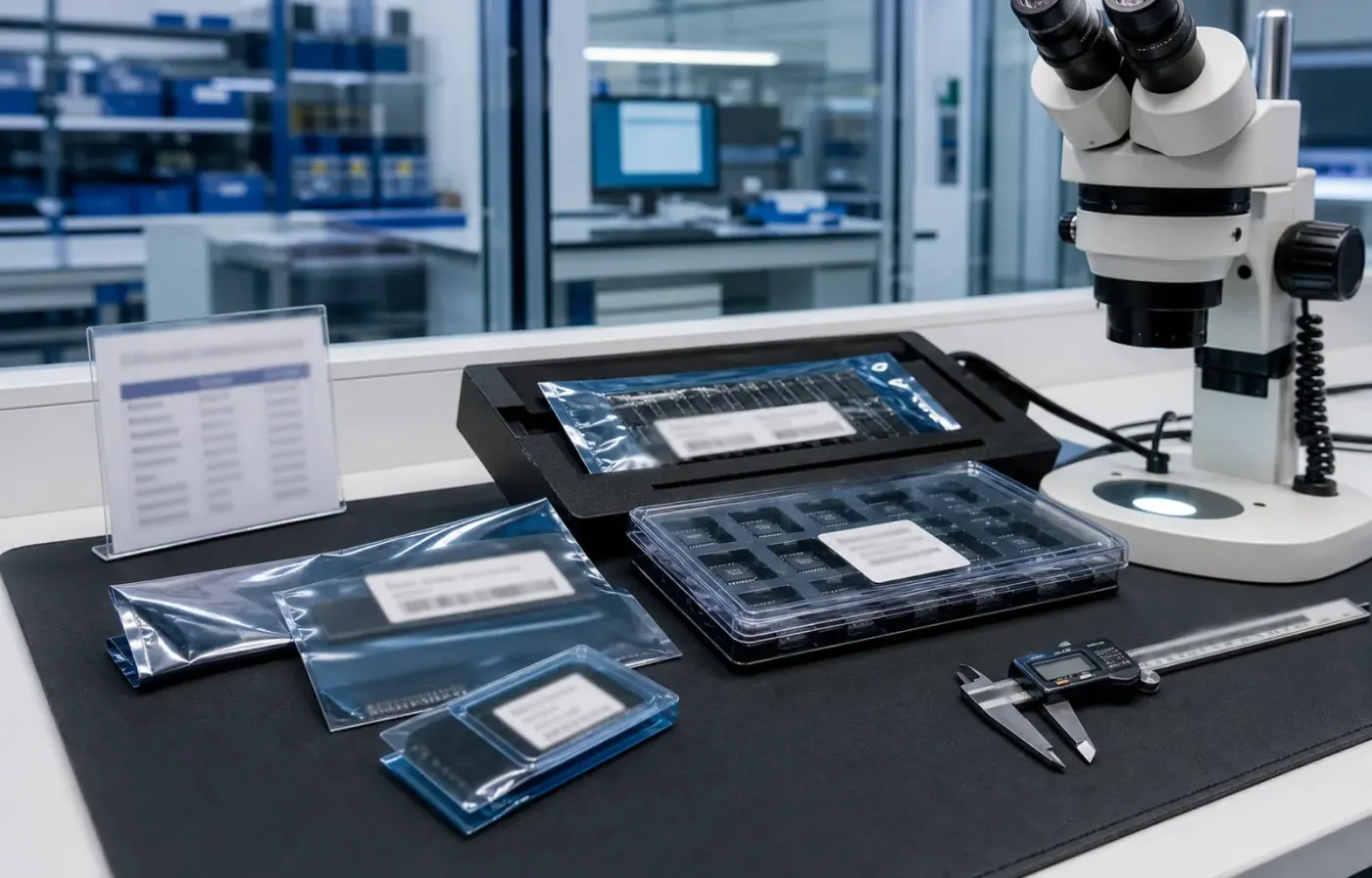
Model text, package form, tray or reel details, and visual evidence are reviewed together before RFQ feedback.
 WMSIC
Electronic Components
WMSIC
Electronic Components
Available for RFQ
Technical data
For datasheets, package documents, compatible-part guidance, or other technical resources, contact WMSIC customer service. Availability is confirmed case by case.
HT16K33A-28SOP 是台湾 HOLTEK(合泰/盛群)推出的一款用于 LED 显示与键盘扫描的专用驱动芯片,封装为 SOP-28,工作温度范围 -40℃ 到 +85℃。该器件以 I²C/两线串行接口为主,面向点阵、7 段/多段 LED 显示以及带键盘输入的交互面板设计,适合对显示与按键采集有集中控制需求的终端设备。
HT16K33A 采用 SOP-28 封装,常见引脚包括电源(VDD/VSS)、I²C 信号(SDA/SCL)、显示输出列/段、公共驱动引脚、外部参考电阻(Rext)引脚及中断/键盘中断输出等。布线时需注意电源去耦、SDA/SCL 拉电阻选择与 LED 排线走向,以降低噪声与串扰。
适用于消费电子面板、便携式设备显示、智能家电指示、仪表盘、办公设备状态指示及各类需要矩阵显示并带按键输入的嵌入式系统。对于须扩展更多显示点或按键数目的系统,可在 I²C 总线上并联多个驱动芯片(需配置地址)。
在原型验证阶段,应重点观察:显示刷新是否稳定、亮度一致性、I²C 通信错误及键盘误检问题。若出现通信不稳定,优先检查拉电阻值、总线占空与接地完整性;若亮度或驱动异常,核对 Rext 选型与输出走线。
结语:HT16K33A-28SOP 在小型显示与键盘输入集中控制方面具有良好集成度与工程便利性。欲获得详细电气参数、引脚定义与指令集,请参考 HOLTEK 官方数据手册与应用笔记,以便在产品开发中做到参数匹配与可靠性验证。
Request for quote
Use the form for single models, category sourcing, and multi-line BOM requirements.
Product sourcing intelligence
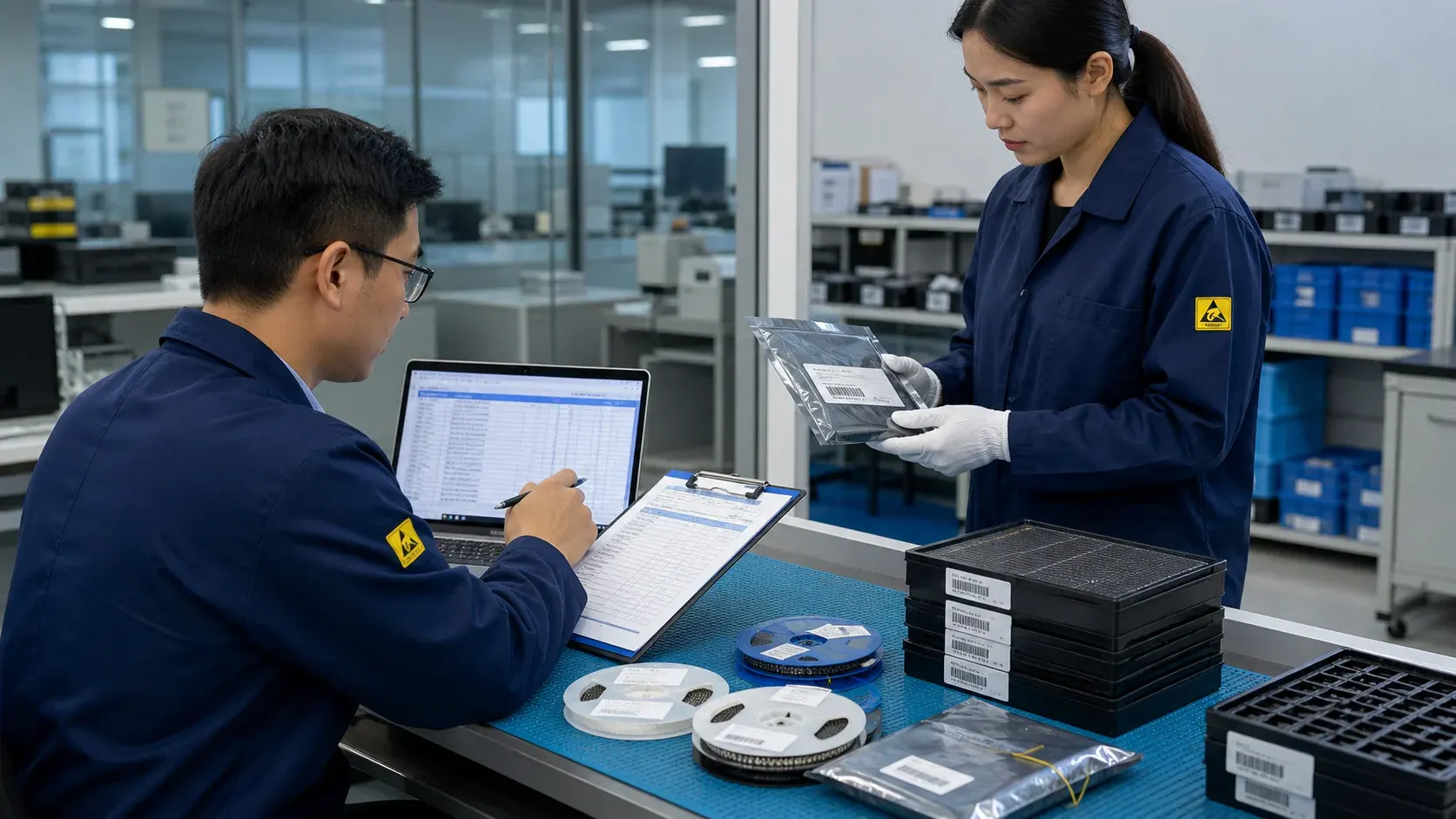
WMSIC turns product data, package visuals, BOM context, and sourcing signals into practical RFQ notes for buyers.
Model text, package form, tray or reel details, and visual evidence are reviewed together before RFQ feedback.
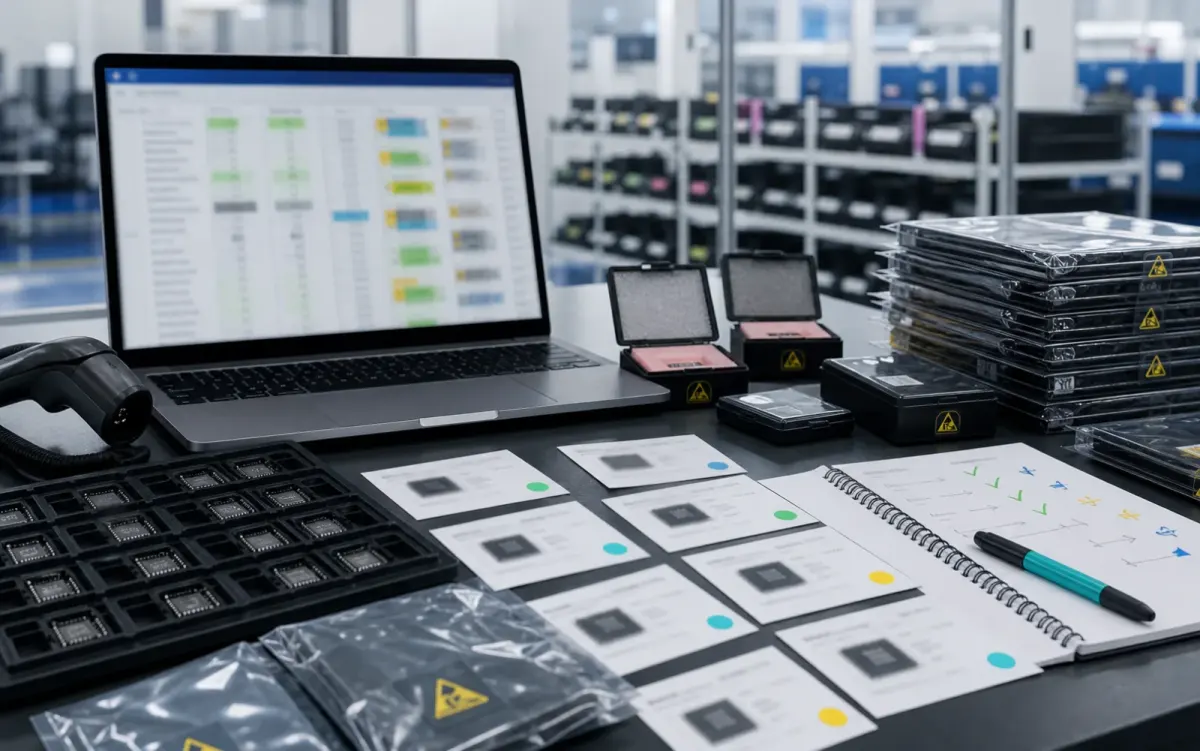
BOM lines are compared by package, parameters, quantity, and workable alternatives for cleaner sourcing decisions.
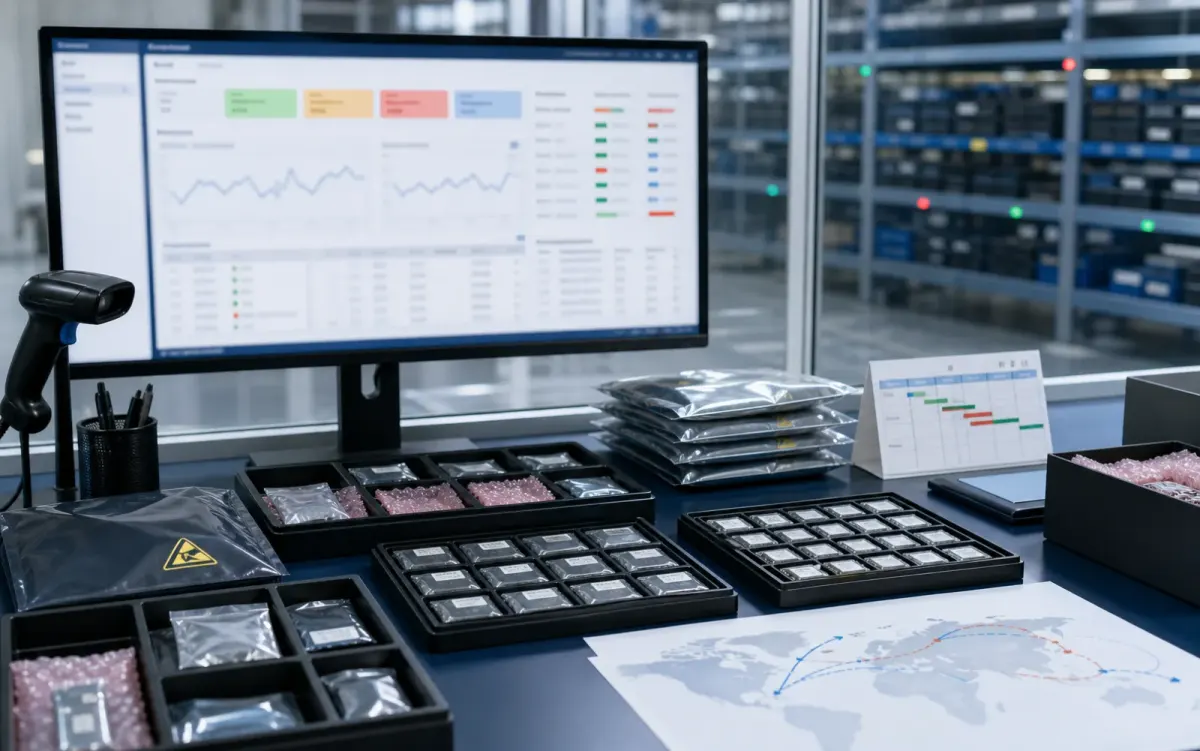
Stock routes, quotation confidence, lead-time notes, and shipment feasibility are checked before sales follow-up.
Buyer sourcing scenarios
Typical RFQ scenarios based on the WMSIC form fields, catalog data, manual review steps, and shipment preparation workflow.
The buyer shares the full part number, package requirement, quantity, destination, and available product photos so the quotation can record the exact version under review.
A multi-line BOM is organized into direct sourcing lines, lines that need package clarification, and lines where alternative-part review is permitted.
The original manufacturer part number, datasheet revision, application, critical limits, and acceptable changes are collected before possible candidates are discussed.
Sample quantity, minimum packing, package format, target date, and courier destination are kept together in one RFQ conversation.
Package photos, model markings, board context, and the quantity needed for repair help focus the sourcing review on the relevant version.
When a suffix or package note is incomplete, the response records the open difference and requests buyer confirmation before procurement proceeds.
Packing format, carton notes, invoice details, courier option, destination, and tracking handoff are coordinated around the confirmed order.
The request connects the previously used model, current demand, package evidence, target timing, and replenishment sourcing route.
Related products


