Model & package intelligence
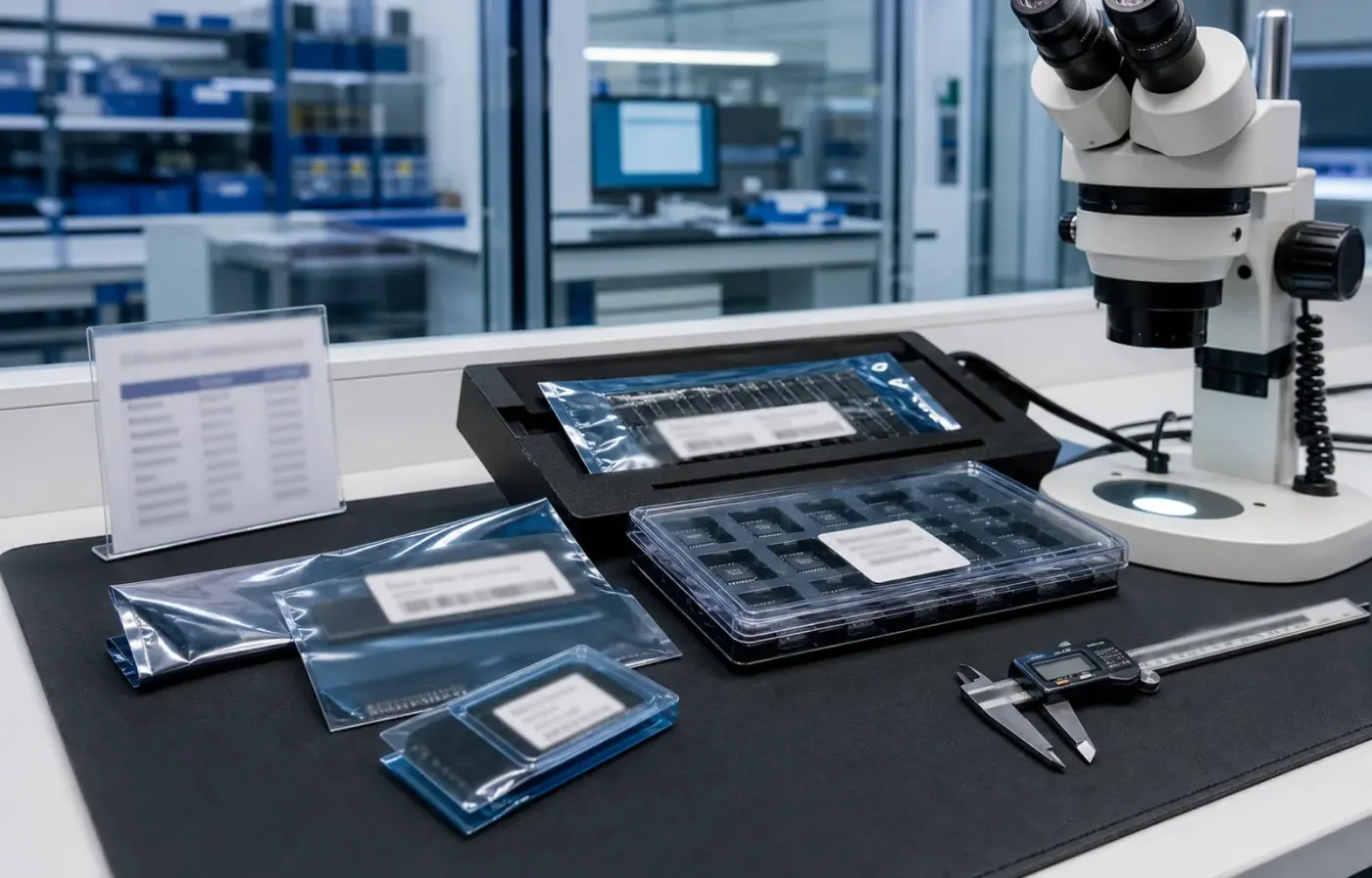
Model text, package form, tray or reel details, and visual evidence are reviewed together before RFQ feedback.
 WMSIC
Electronic Components
WMSIC
Electronic Components
Available for RFQ
Technical data
For datasheets, package documents, compatible-part guidance, or other technical resources, contact WMSIC customer service. Availability is confirmed case by case.
HR915354C 为 HANRUN(汉仁)出品的一款插件式 RJ45 弯插网络插座,单端口设计,带指示灯并配备金属屏蔽壳与机械弹片。该器件面向各类网络终端和通信设备的 PCB 安装需求,结构紧凑,易于组装与检修,适合批量生产与长期工作场景。
适用于路由器、交换机、网络摄像机、工业网关、机顶盒、工控主板及各类需要标准 RJ45 连接的终端设备。屏蔽与弹片设计尤其适合对 EMI、振动或插拔可靠性有较高要求的应用。
HR915354C 采用磷青铜触头及金镀层,兼顾导电性与耐腐蚀性;屏蔽结构与弹片提升了抗干扰与机械牢固度。具体的插拔寿命、电阻、耐压与绝缘电阻等详细参数建议参考官方数据手册或向供应商索取样品进行验证,以满足特定系统的可靠性与认证需求。
Request for quote
Use the form for single models, category sourcing, and multi-line BOM requirements.
Product sourcing intelligence
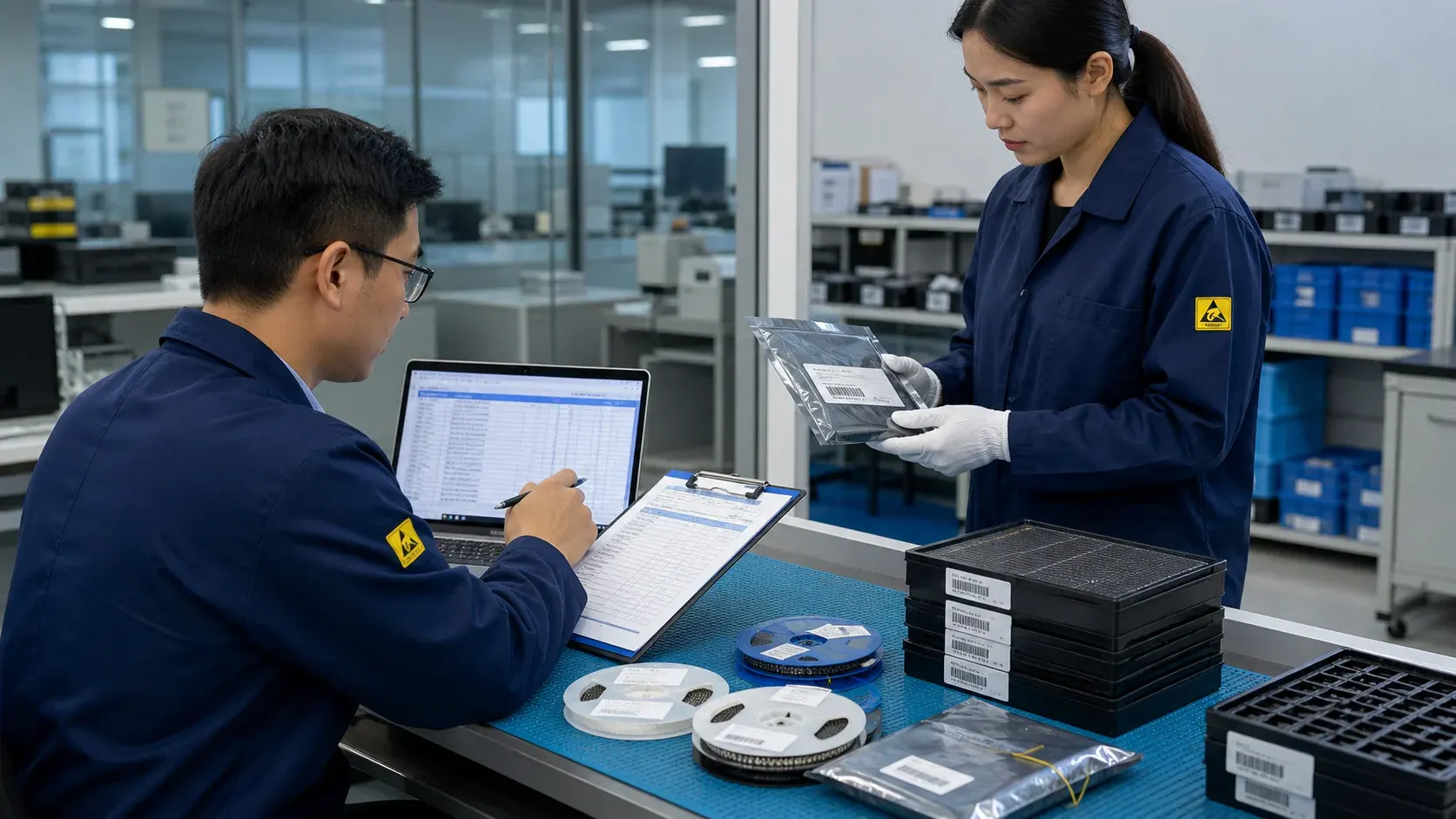
WMSIC turns product data, package visuals, BOM context, and sourcing signals into practical RFQ notes for buyers.
Model text, package form, tray or reel details, and visual evidence are reviewed together before RFQ feedback.
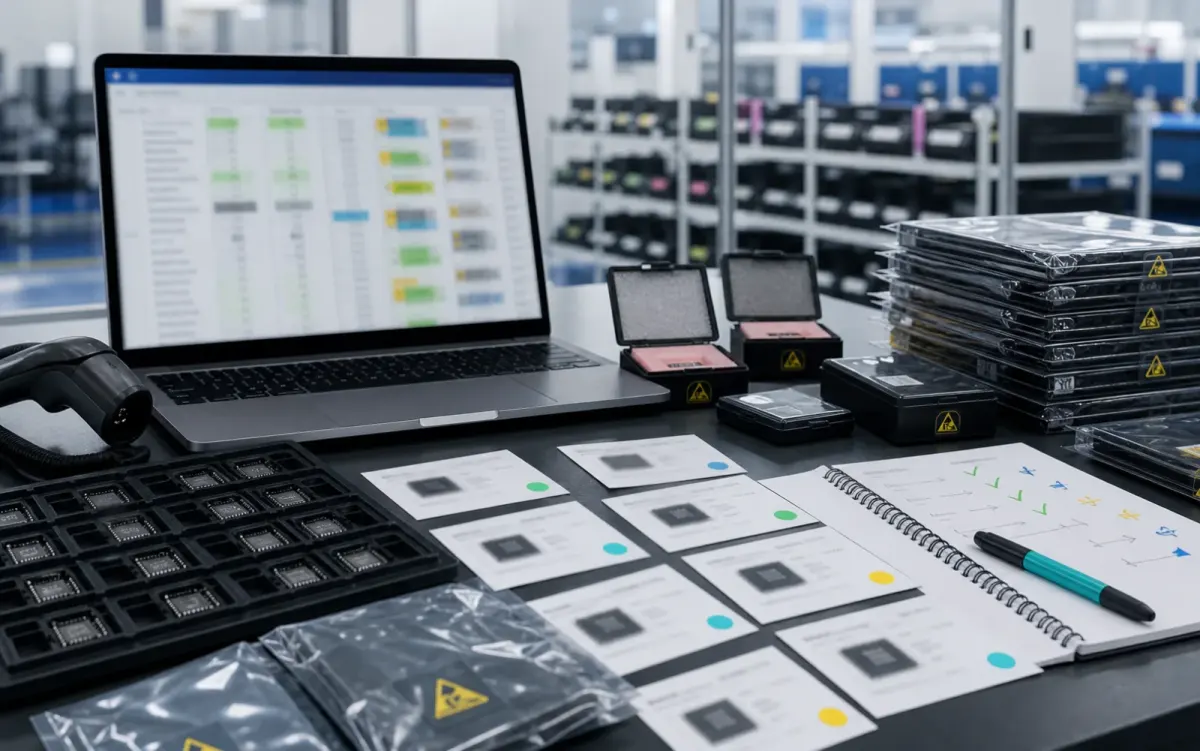
BOM lines are compared by package, parameters, quantity, and workable alternatives for cleaner sourcing decisions.

Stock routes, quotation confidence, lead-time notes, and shipment feasibility are checked before sales follow-up.
Buyer sourcing scenarios
Typical RFQ scenarios based on the WMSIC form fields, catalog data, manual review steps, and shipment preparation workflow.
The buyer shares the full part number, package requirement, quantity, destination, and available product photos so the quotation can record the exact version under review.
A multi-line BOM is organized into direct sourcing lines, lines that need package clarification, and lines where alternative-part review is permitted.
The original manufacturer part number, datasheet revision, application, critical limits, and acceptable changes are collected before possible candidates are discussed.
Sample quantity, minimum packing, package format, target date, and courier destination are kept together in one RFQ conversation.
Package photos, model markings, board context, and the quantity needed for repair help focus the sourcing review on the relevant version.
When a suffix or package note is incomplete, the response records the open difference and requests buyer confirmation before procurement proceeds.
Packing format, carton notes, invoice details, courier option, destination, and tracking handoff are coordinated around the confirmed order.
The request connects the previously used model, current demand, package evidence, target timing, and replenishment sourcing route.
Related products