Model & package intelligence
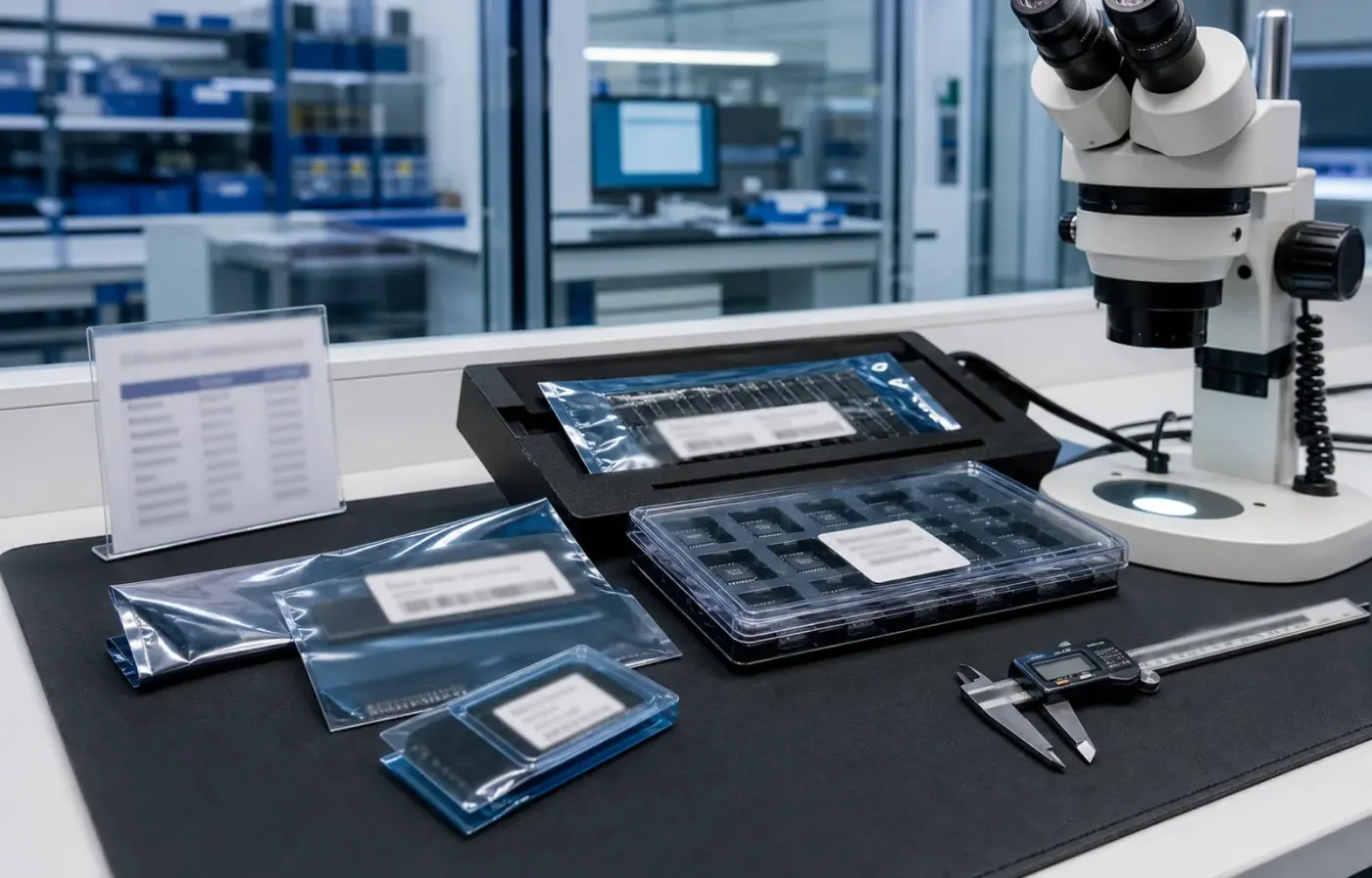
Model text, package form, tray or reel details, and visual evidence are reviewed together before RFQ feedback.
 WMSIC
Electronic Components
WMSIC
Electronic Components
Available for RFQ
Technical data
For datasheets, package documents, compatible-part guidance, or other technical resources, contact WMSIC customer service. Availability is confirmed case by case.
KP-1608CGCK 为 Kingbright 出品的 0603(1608公制)封装 Green Chip LED,发光颜色为黄绿色,典型应用于指示、背光、状态显示及高密度贴片照明场合。器件体积小、亮度稳定、易于自动贴装,适合对空间与可靠性有较高要求的消费电子与工业设备。
0603 小封装(1.6×0.8 mm)极大节省 PCB 空间,适配自动化贴装与回流焊工艺。无色透明透镜有利于最大化光输出并保持色彩纯度,120°的宽视角保证了均匀的可视范围,便于指示灯或近距离照明布局。
KP-1608CGCK 在 20 mA 条件下提供稳定的中高亮度黄绿色光,色调偏向黄绿(570–574 nm),适用于:
为延长使用寿命与保证一致性,建议:
选用时需确认具体测试条件(IF、测量角度、光学基准)与批次差异,若用于色彩敏感或配光严格的应用,建议向供应商索取详细光电曲线、光谱分布和批次样品进行实测验证。KP-1608CGCK 以其小型化、稳定发光与宽视角,适合高密度、成本敏感且对黄绿色指示有明确需求的设计方案。
Request for quote
Use the form for single models, category sourcing, and multi-line BOM requirements.
Product sourcing intelligence
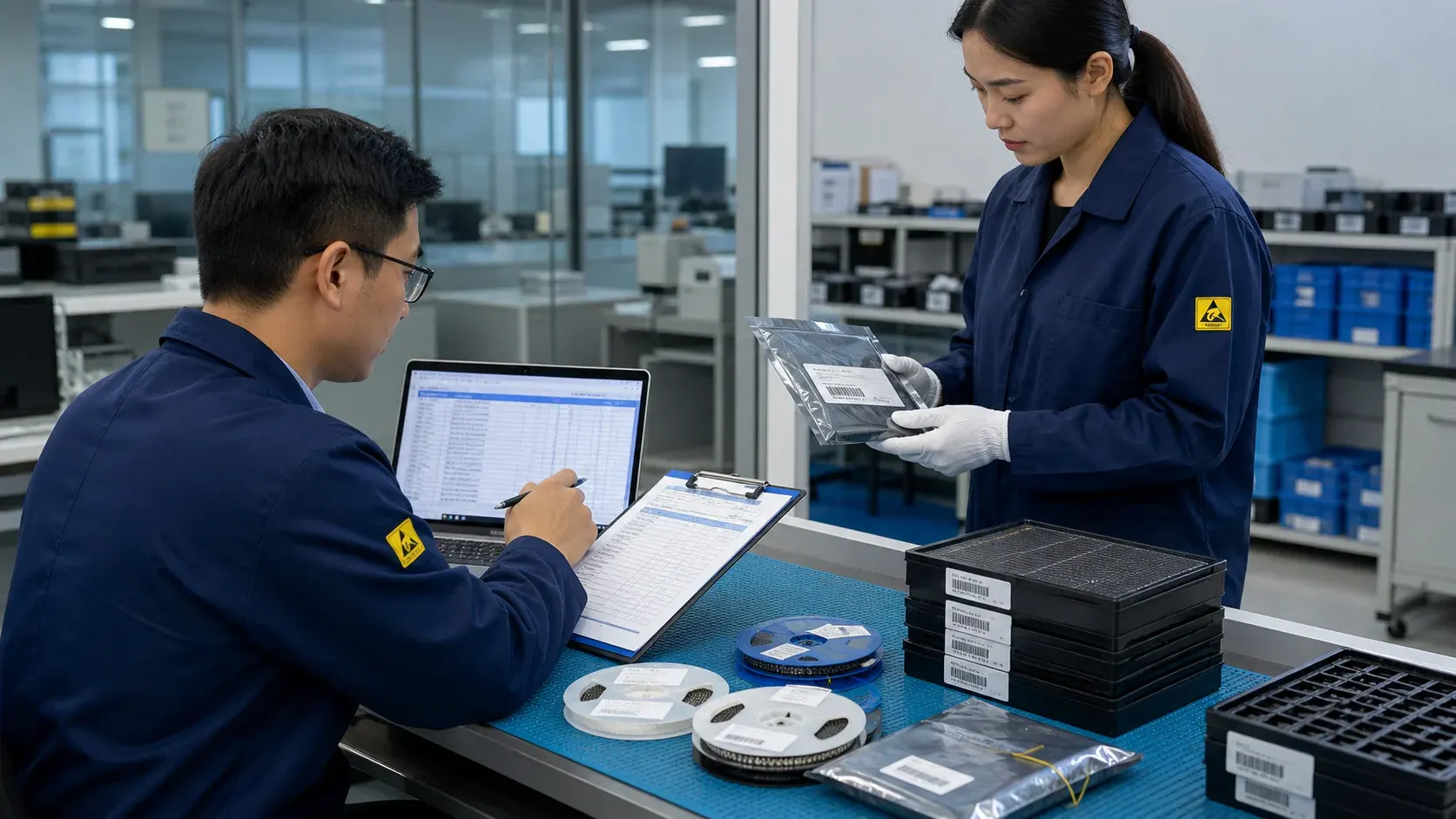
WMSIC turns product data, package visuals, BOM context, and sourcing signals into practical RFQ notes for buyers.
Model text, package form, tray or reel details, and visual evidence are reviewed together before RFQ feedback.
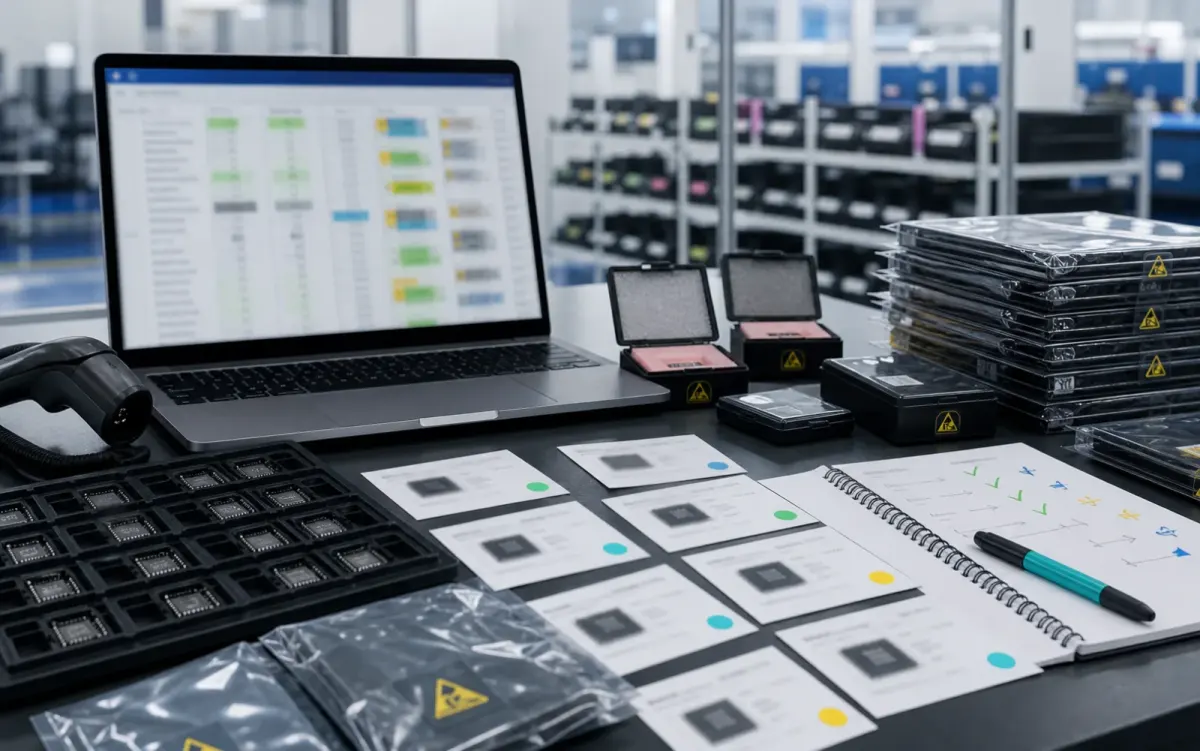
BOM lines are compared by package, parameters, quantity, and workable alternatives for cleaner sourcing decisions.
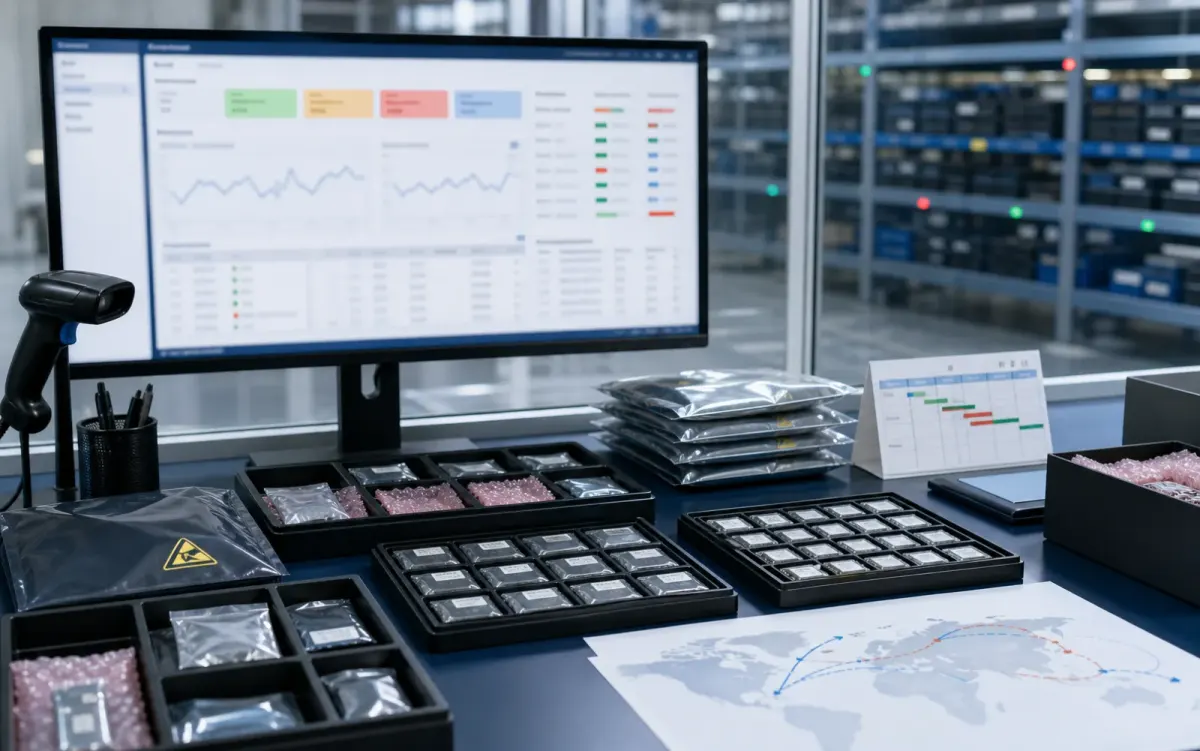
Stock routes, quotation confidence, lead-time notes, and shipment feasibility are checked before sales follow-up.
Buyer sourcing scenarios
Typical RFQ scenarios based on the WMSIC form fields, catalog data, manual review steps, and shipment preparation workflow.
The buyer shares the full part number, package requirement, quantity, destination, and available product photos so the quotation can record the exact version under review.
A multi-line BOM is organized into direct sourcing lines, lines that need package clarification, and lines where alternative-part review is permitted.
The original manufacturer part number, datasheet revision, application, critical limits, and acceptable changes are collected before possible candidates are discussed.
Sample quantity, minimum packing, package format, target date, and courier destination are kept together in one RFQ conversation.
Package photos, model markings, board context, and the quantity needed for repair help focus the sourcing review on the relevant version.
When a suffix or package note is incomplete, the response records the open difference and requests buyer confirmation before procurement proceeds.
Packing format, carton notes, invoice details, courier option, destination, and tracking handoff are coordinated around the confirmed order.
The request connects the previously used model, current demand, package evidence, target timing, and replenishment sourcing route.
Related products