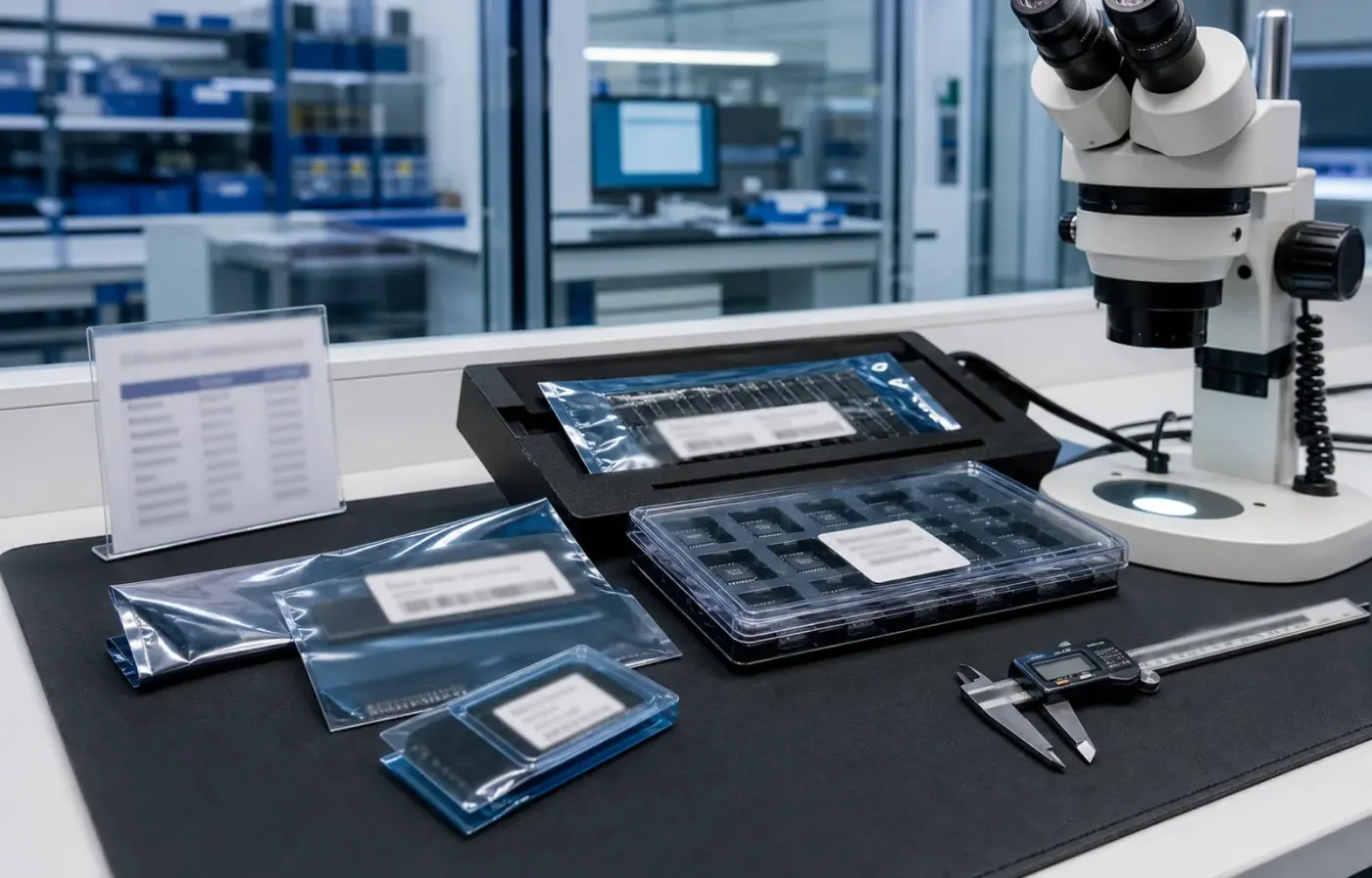
Model & package intelligence
Model text, package form, tray or reel details, and visual evidence are reviewed together before RFQ feedback.
 WMSIC
Electronic Components
WMSIC
Electronic Components
Available for RFQ
Technical data
For datasheets, package documents, compatible-part guidance, or other technical resources, contact WMSIC customer service. Availability is confirmed case by case.
XL-2012UWC 是成兴光(Xinglight)推出的一款 0805 封装贴片白光二极管,体积小、发光均匀,外观采用黄色透镜(黄色荧光体覆盖),适合高密度 SMT 组装与自动贴装。该器件面向状态指示、按键/面板背光及一般照明点光源场合,对体积和成本有严格要求的电子产品尤为合适。
在选型时请结合实际工作电流、期望亮度与色温进行验证;若对色容差、光通量或可靠性有更高要求,建议索取并参考厂商数据手册(包括 IV 曲线、光谱分布、回流曲线与寿命/可靠性试验数据)。批量采购时确认载带方向(正贴)与包装方式,以便与现有 SMT 线兼容。
如需更详细的电光参数、典型曲线或 PCB 封装建议,我可以帮您整理常用参考或协助与成兴光数据表比对。
Request for quote
Use the form for single models, category sourcing, and multi-line BOM requirements.

Product sourcing intelligence
WMSIC turns product data, package visuals, BOM context, and sourcing signals into practical RFQ notes for buyers.
Model text, package form, tray or reel details, and visual evidence are reviewed together before RFQ feedback.
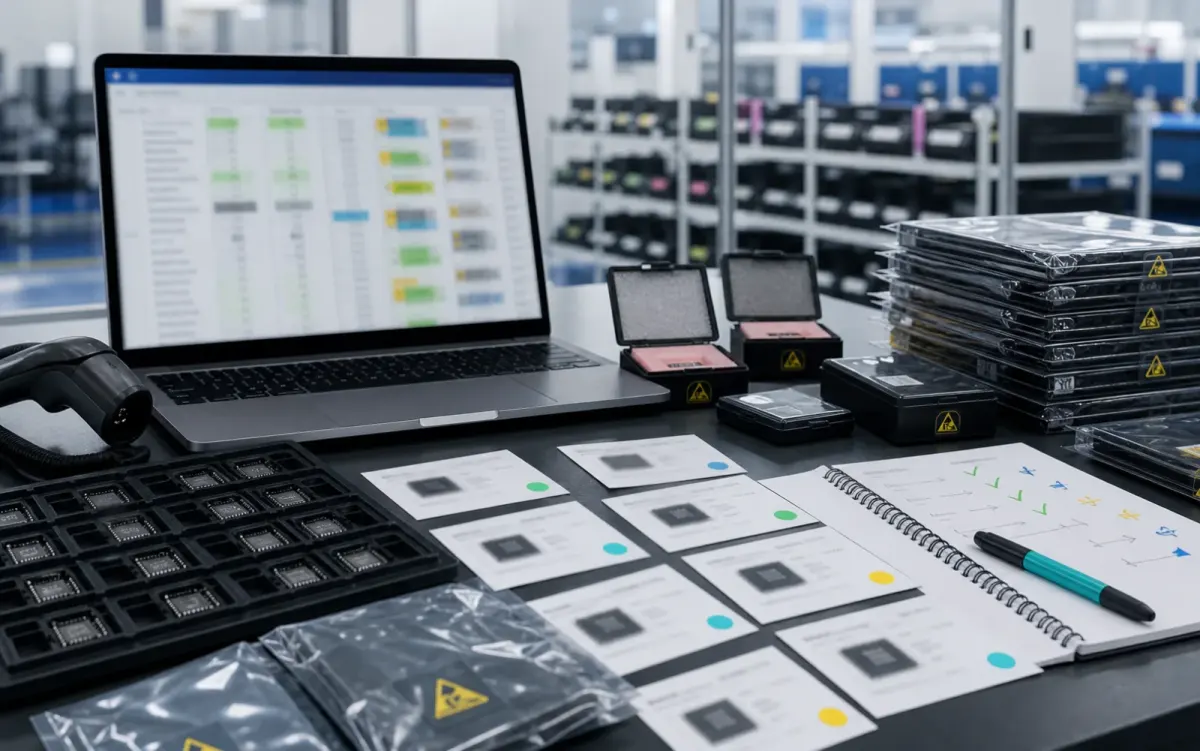
BOM lines are compared by package, parameters, quantity, and workable alternatives for cleaner sourcing decisions.
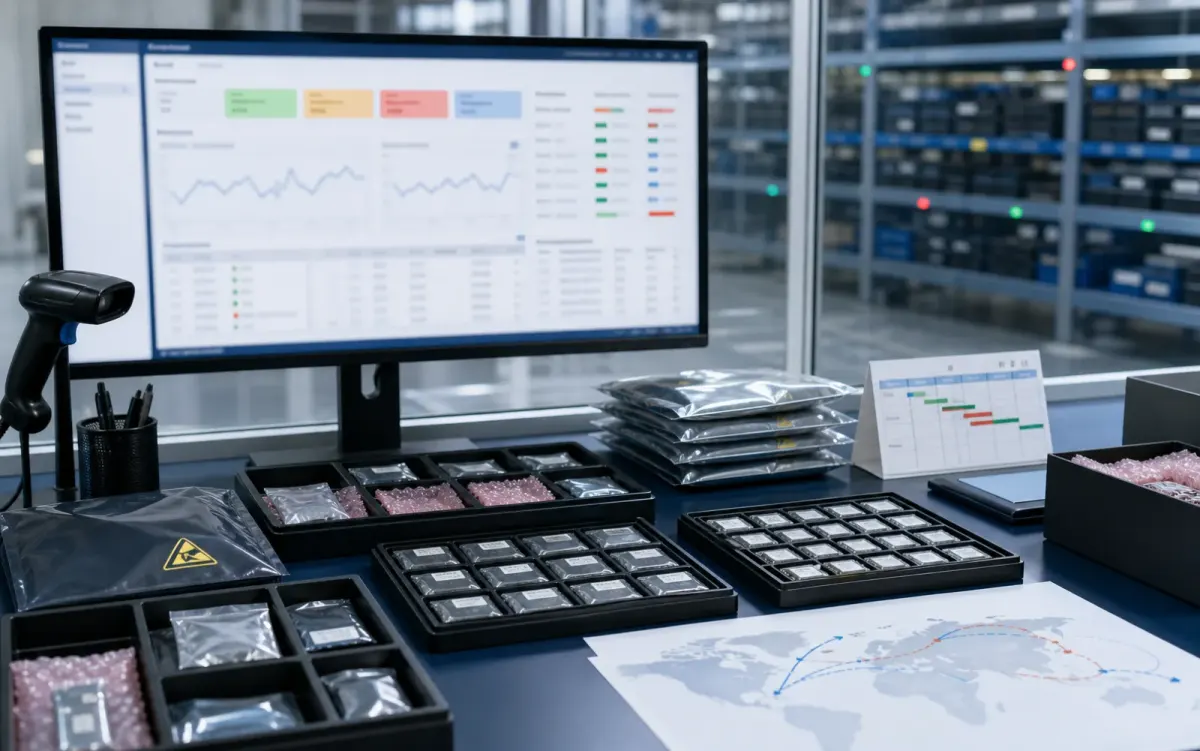
Stock routes, quotation confidence, lead-time notes, and shipment feasibility are checked before sales follow-up.
Buyer sourcing scenarios
Typical RFQ scenarios based on the WMSIC form fields, catalog data, manual review steps, and shipment preparation workflow.
The buyer shares the full part number, package requirement, quantity, destination, and available product photos so the quotation can record the exact version under review.
A multi-line BOM is organized into direct sourcing lines, lines that need package clarification, and lines where alternative-part review is permitted.
The original manufacturer part number, datasheet revision, application, critical limits, and acceptable changes are collected before possible candidates are discussed.
Sample quantity, minimum packing, package format, target date, and courier destination are kept together in one RFQ conversation.
Package photos, model markings, board context, and the quantity needed for repair help focus the sourcing review on the relevant version.
When a suffix or package note is incomplete, the response records the open difference and requests buyer confirmation before procurement proceeds.
Packing format, carton notes, invoice details, courier option, destination, and tracking handoff are coordinated around the confirmed order.
The request connects the previously used model, current demand, package evidence, target timing, and replenishment sourcing route.
Related products