
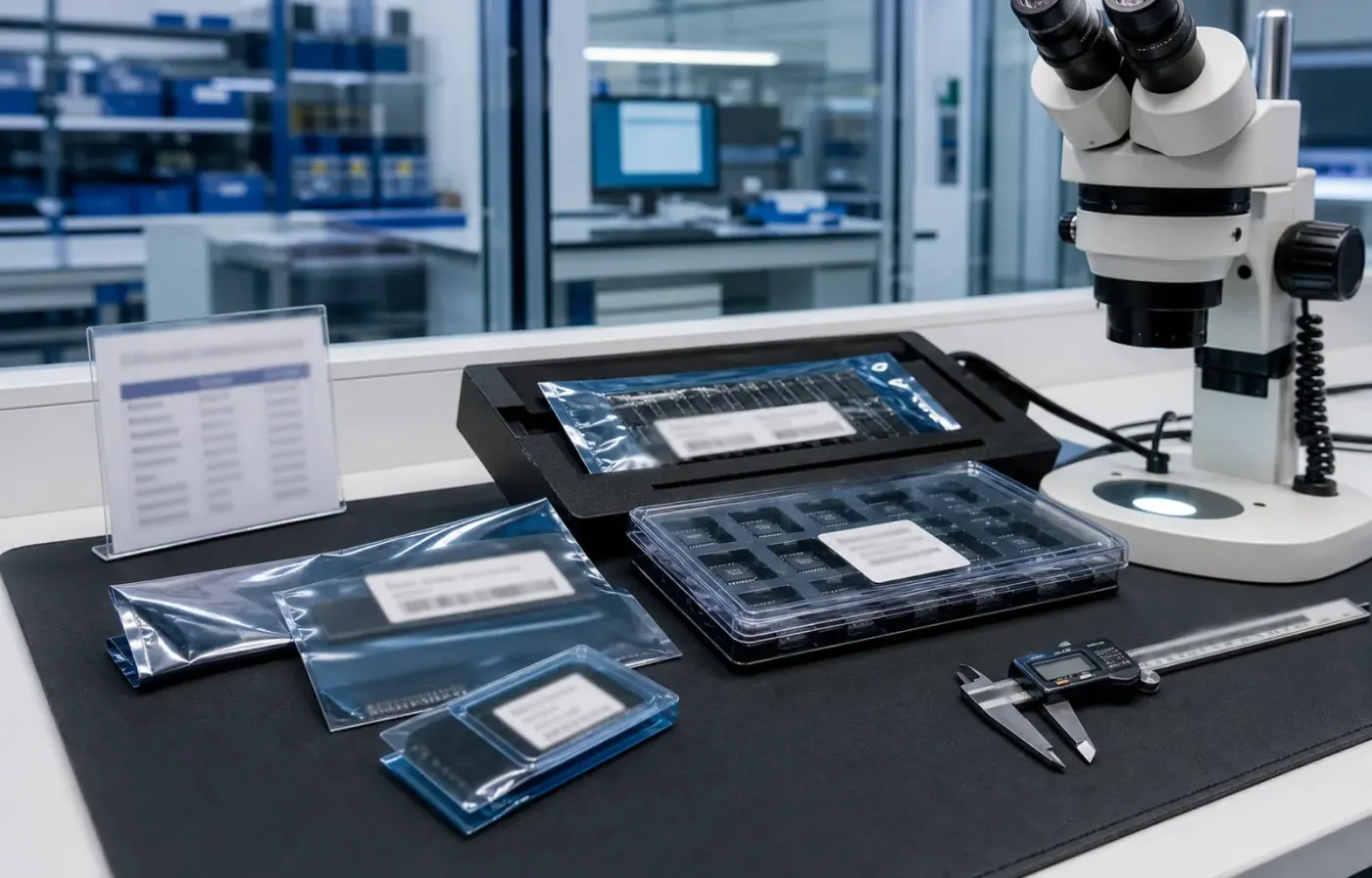
Model & package intelligence
Model text, package form, tray or reel details, and visual evidence are reviewed together before RFQ feedback.
 WMSIC
Electronic Components
WMSIC
Electronic Components
Available for RFQ
Technical data
For datasheets, package documents, compatible-part guidance, or other technical resources, contact WMSIC customer service. Availability is confirmed case by case.
MAX7219 is an integrated serial input/output common cathode display driver,it is connected to a microprocessor and an 8-digit 7-segment LED display.it can also be connected to a bar graph display or 64 independent LEDs.It includes an on-chip B-type BCD encoder, multi-channel scanning loop, segment word driver, and an 8*8 static RAM for storing each data.Only one external register is used to set the segment current of each LED.
A convenient four-wire serial interface can be connected to all general-purpose microprocessors.Each data can be addressed without updating all displays when updating.MAX7219 also allows users to choose to encode or not to encode each data.
The entire device contains a 150μA low-power shutdown mode, analog and digital brightness control,a scan limit register allows the user to display 1-8 bits of data, and a detection mode that allows all LEDs to emit light.
Only 3 IO ports are needed to drive 1 dot matrix!No flashing when dot matrix display! Support cascading!
Module parameters:
1.A single module can drive an 8*8 common negative dot matrix
2.Module working voltage: 5V
3.Module size:length 13.2 cm X width 3.2 cm X height 1.3 cm
4.With 64 fixing screw holes, hole diameter 3mm
5.Module with input and output interface, support multiple modules cascade
Wiring instructions:
1.The left side of the module is the input port, and the right side is the output port.
2.When controlling a single module, only need to connect the input port to the CPU.
3.When multiple modules are cascaded, the input of the first module is connected to the CPU, the output is connected to the input of the second module, the output of the second module is connected to the input of the third module, and so on...
Take 51 microcontroller as an example:
VCC → 5V
GND → GND
DIN → P2.2
CS → P2.1
CLK → P2.0
Shipping list:
1.MAX7219 dot matrix module (finished product, with dot matrix, has been tested)
2.20CM Dupont line 5P
Request for quote
Use the form for single models, category sourcing, and multi-line BOM requirements.
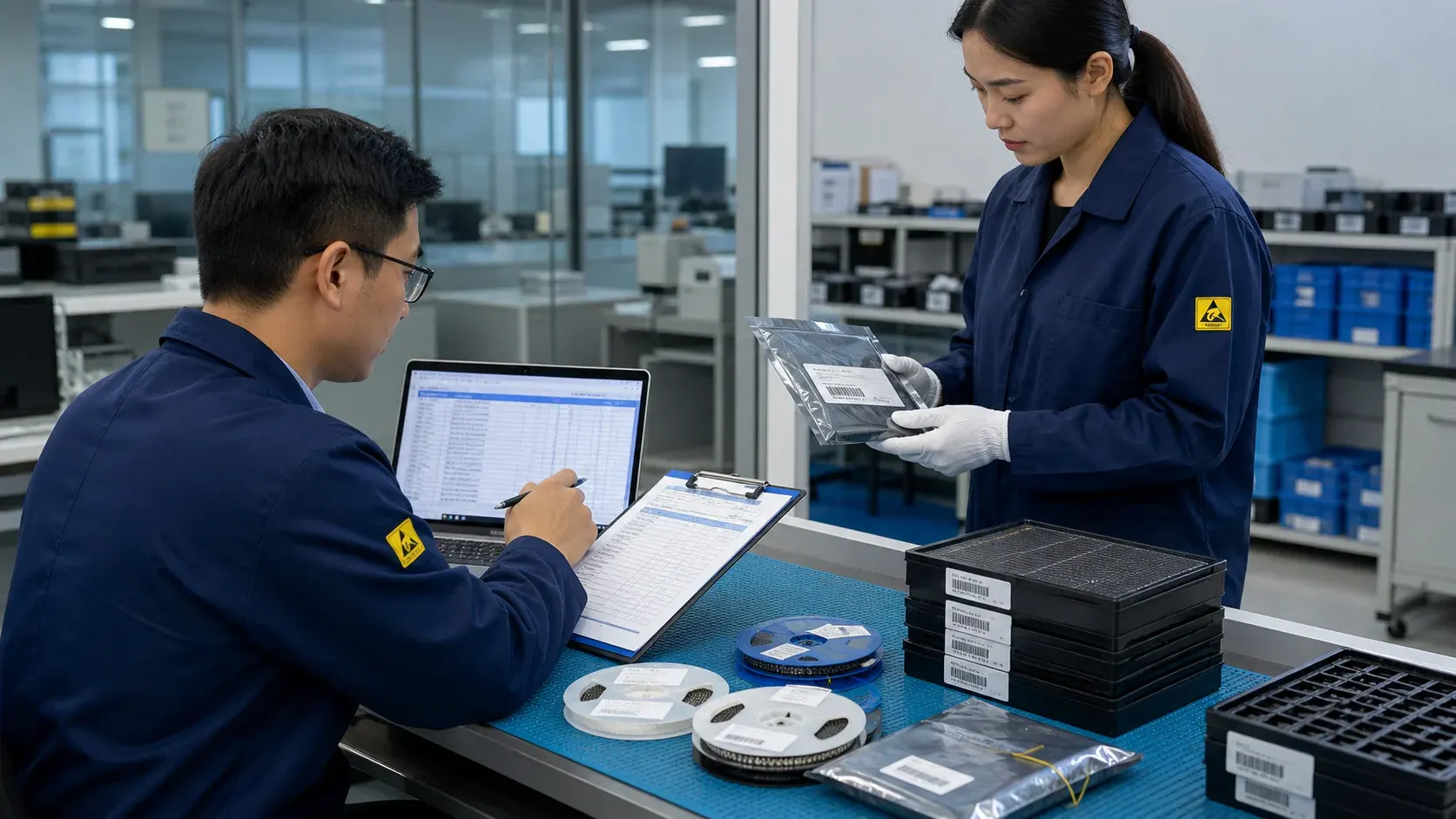
Product sourcing intelligence
WMSIC turns product data, package visuals, BOM context, and sourcing signals into practical RFQ notes for buyers.
Model text, package form, tray or reel details, and visual evidence are reviewed together before RFQ feedback.
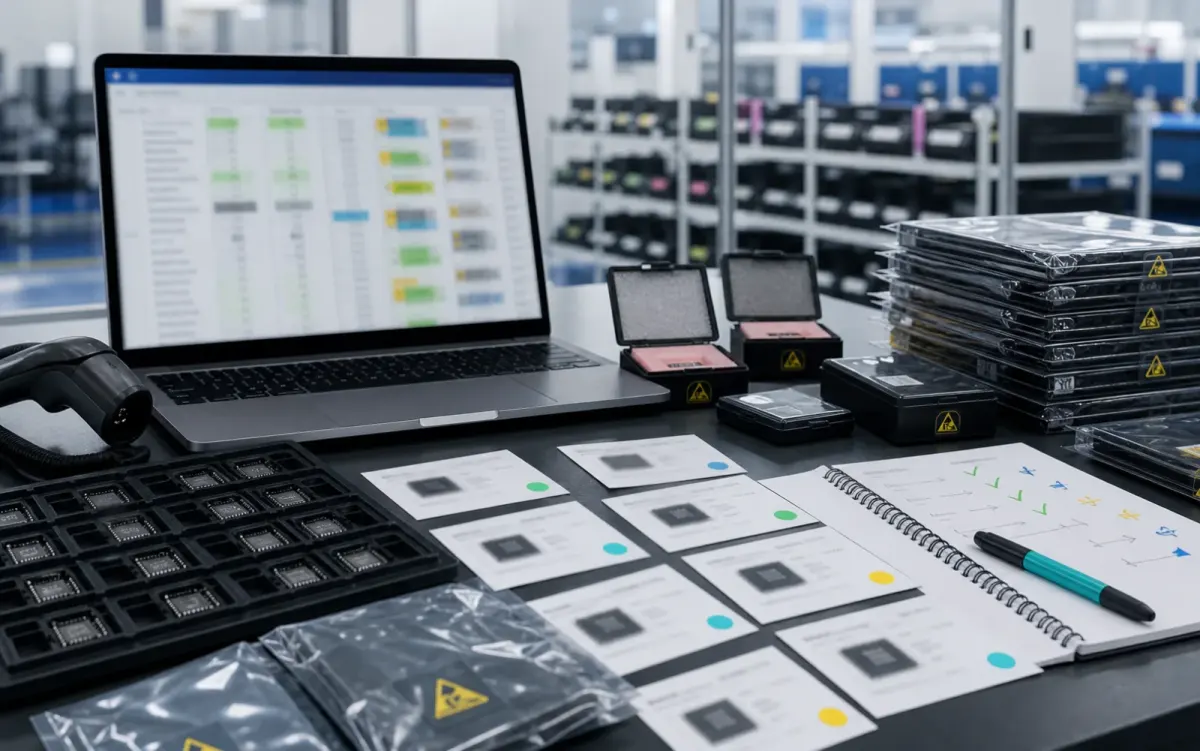
BOM lines are compared by package, parameters, quantity, and workable alternatives for cleaner sourcing decisions.
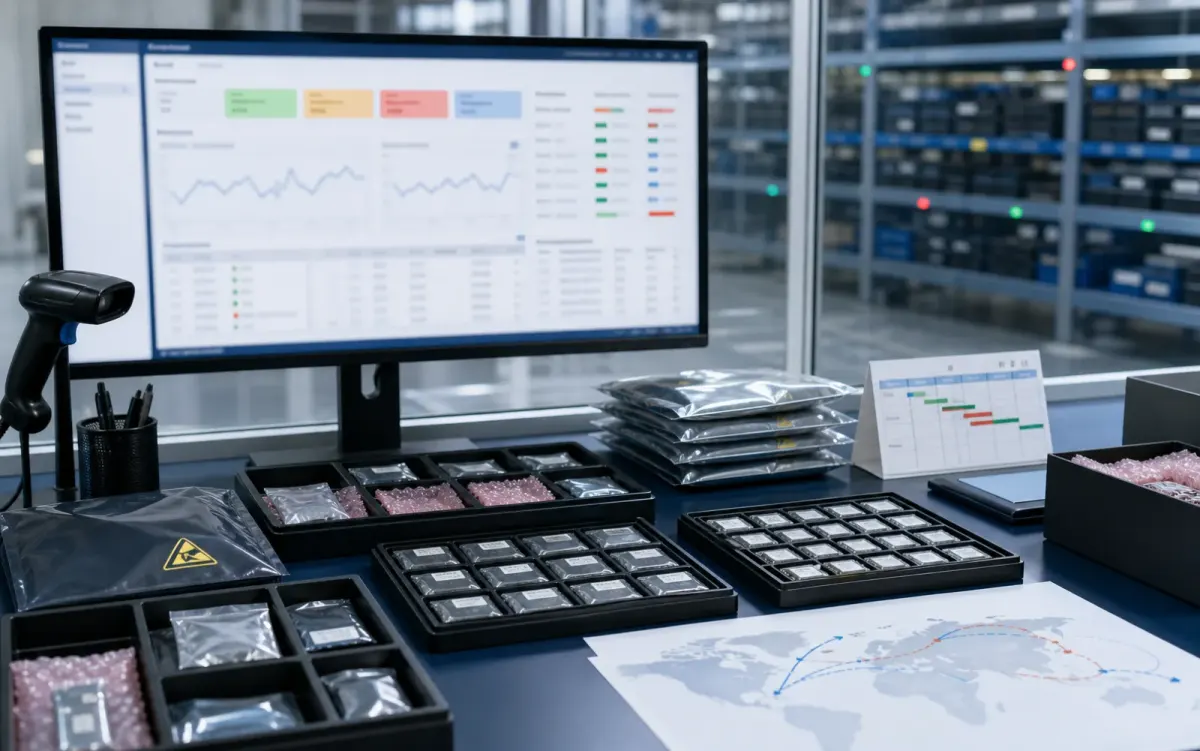
Stock routes, quotation confidence, lead-time notes, and shipment feasibility are checked before sales follow-up.
Buyer sourcing scenarios
Typical RFQ scenarios based on the WMSIC form fields, catalog data, manual review steps, and shipment preparation workflow.
The buyer shares the full part number, package requirement, quantity, destination, and available product photos so the quotation can record the exact version under review.
A multi-line BOM is organized into direct sourcing lines, lines that need package clarification, and lines where alternative-part review is permitted.
The original manufacturer part number, datasheet revision, application, critical limits, and acceptable changes are collected before possible candidates are discussed.
Sample quantity, minimum packing, package format, target date, and courier destination are kept together in one RFQ conversation.
Package photos, model markings, board context, and the quantity needed for repair help focus the sourcing review on the relevant version.
When a suffix or package note is incomplete, the response records the open difference and requests buyer confirmation before procurement proceeds.
Packing format, carton notes, invoice details, courier option, destination, and tracking handoff are coordinated around the confirmed order.
The request connects the previously used model, current demand, package evidence, target timing, and replenishment sourcing route.
Related products


