
Model & package intelligence
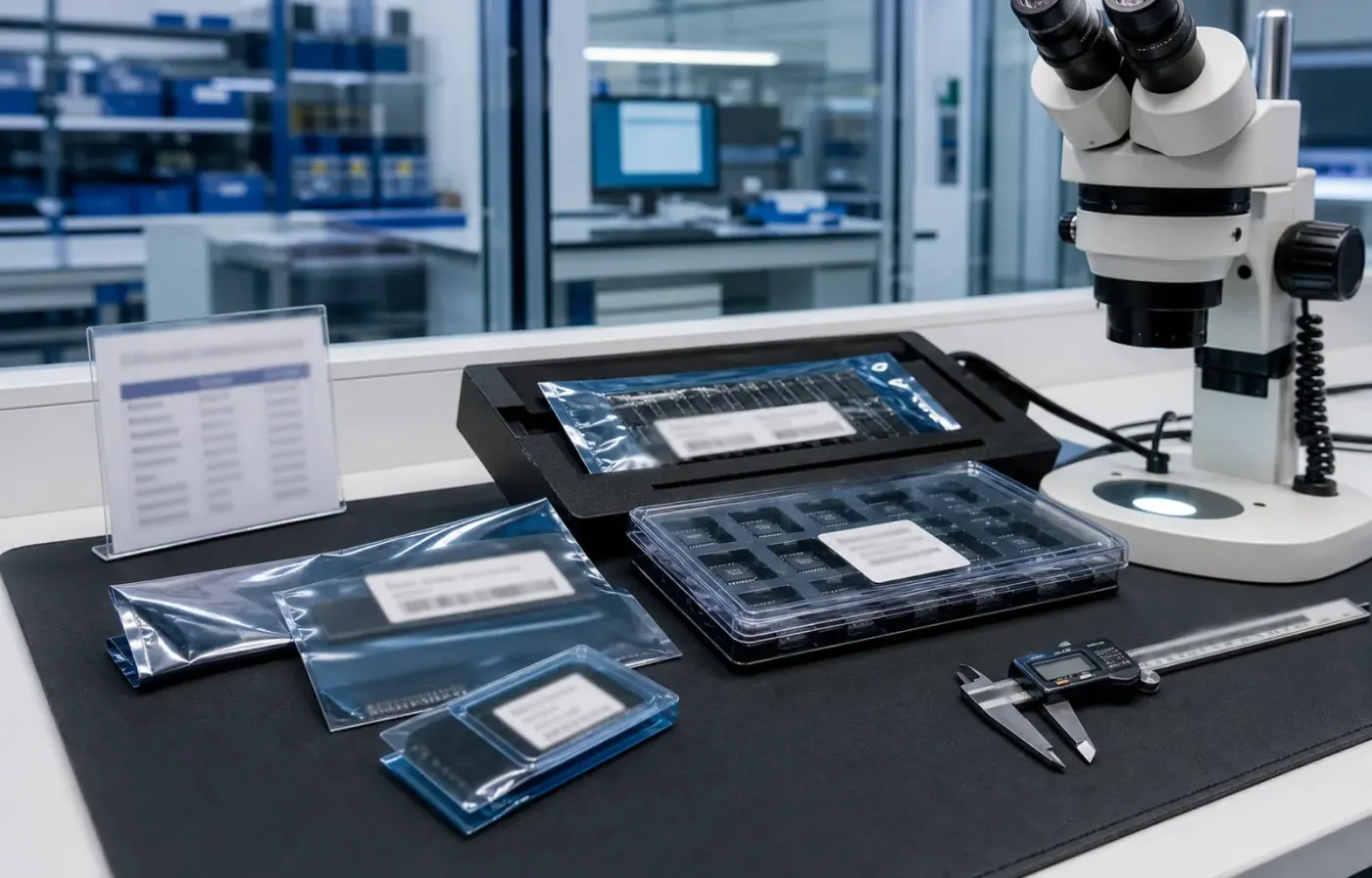
Model text, package form, tray or reel details, and visual evidence are reviewed together before RFQ feedback.
 WMSIC
Electronic Components
WMSIC
Electronic Components
Available for RFQ
Technical data
For datasheets, package documents, compatible-part guidance, or other technical resources, contact WMSIC customer service. Availability is confirmed case by case.

 Product Description:
Superior sound quality.Onboard 2W mono amplifier(5V power of up to 3W) is directly connected to the speaker (recommendation 4 Ω 3W speakers),3.5mm gold plated headphone jack can connect with headphones or external audio
With a Micro USB port.Through the mobile phone data line can use mobile power supply or the USB cable to charge the MP3 battery,also can use 3.7V lithium battery,or USB 5V power supply
Support TF Card (mobile phone memory card) and U disk play mode
No soldering with speaker terminals for easy wiring
The module is designed to facilitate modification
Power range: 3.7~5.5V
Product size: 47mm*34mm/18.50*13.38"
Product Overview:
Support MP3 format, playing power on automatically.When mp3 is played the red LED flashes
Support U disk (test 32G), TF Card (test 16G) play mode; power on default TF card mode, if the TF card does not exist automatically jump to the U disk mode,and both devices have installed,then you can manually set the play mode.For details please see the key operating instructions
Buttons can be adjusted up and down to control songs,volume up and down, pause or play, mode switching.For details please see the key operating instructions
Press menu button enter the single/all song play mode.The default mode is the all song mode when power up.Pressing the Repeat button can replace the circulating mode
Key Operating Instructions:
"Prev / V--" button: "Press" for switching previous song, "long press" for volume down
"Next/v++" button: "Press" for switching next song, "long press" for volume up
"P / P / Mode" button: "Press" for the "Play/Pause" Switch, "long press" for U disk, TF card mode
"Repeat" button: "Press" for “single/all song" mode(no long press)
Note:
"Long press" approximate 2S
If you use U disk mode, it is recommended 5V power supply, and some U disk does not support 3.7V power supply
Exquisite double board design, large area of copper, stable and reliable
Request for quote
Use the form for single models, category sourcing, and multi-line BOM requirements.
Product sourcing intelligence
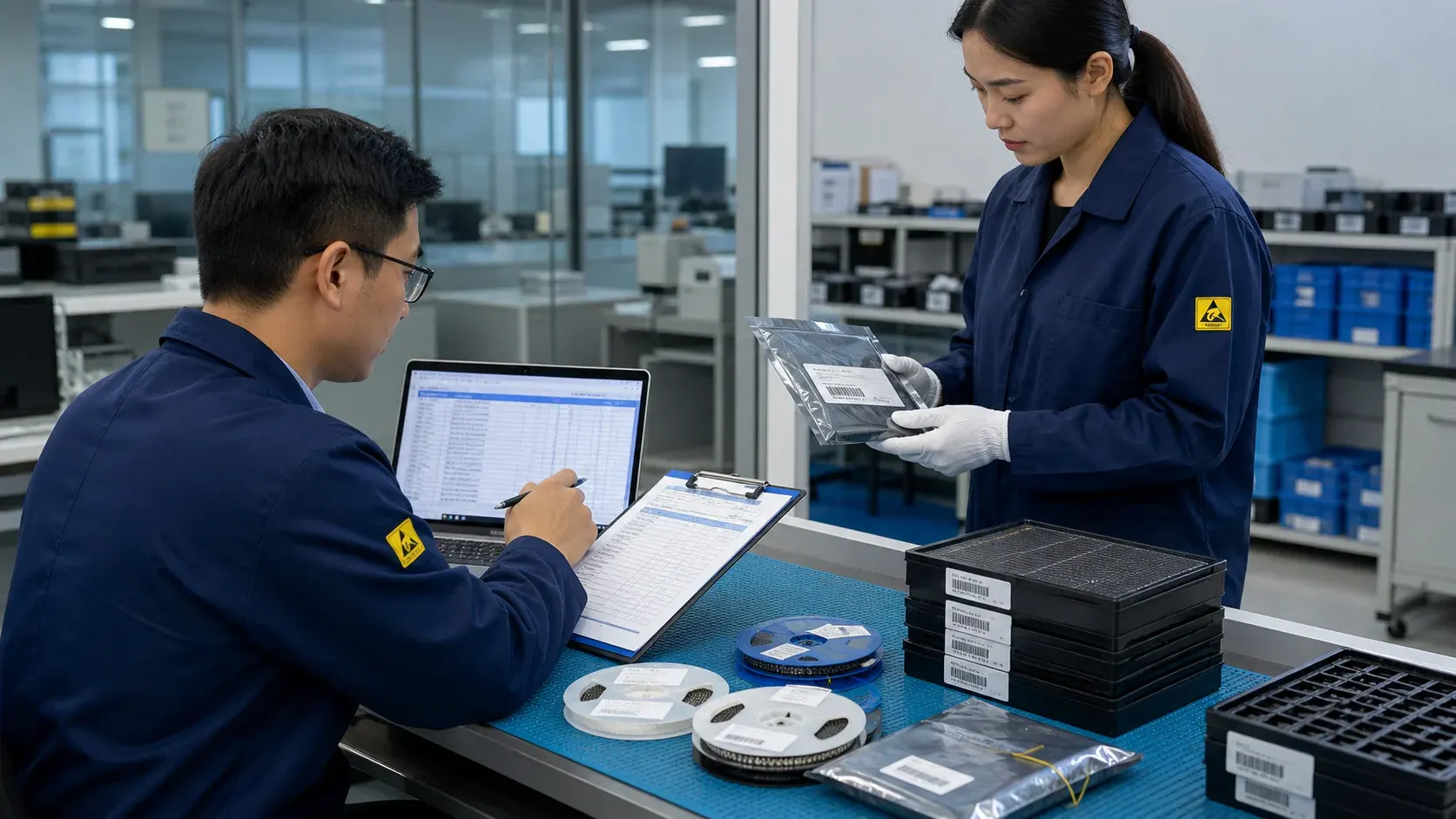
WMSIC turns product data, package visuals, BOM context, and sourcing signals into practical RFQ notes for buyers.
Model text, package form, tray or reel details, and visual evidence are reviewed together before RFQ feedback.
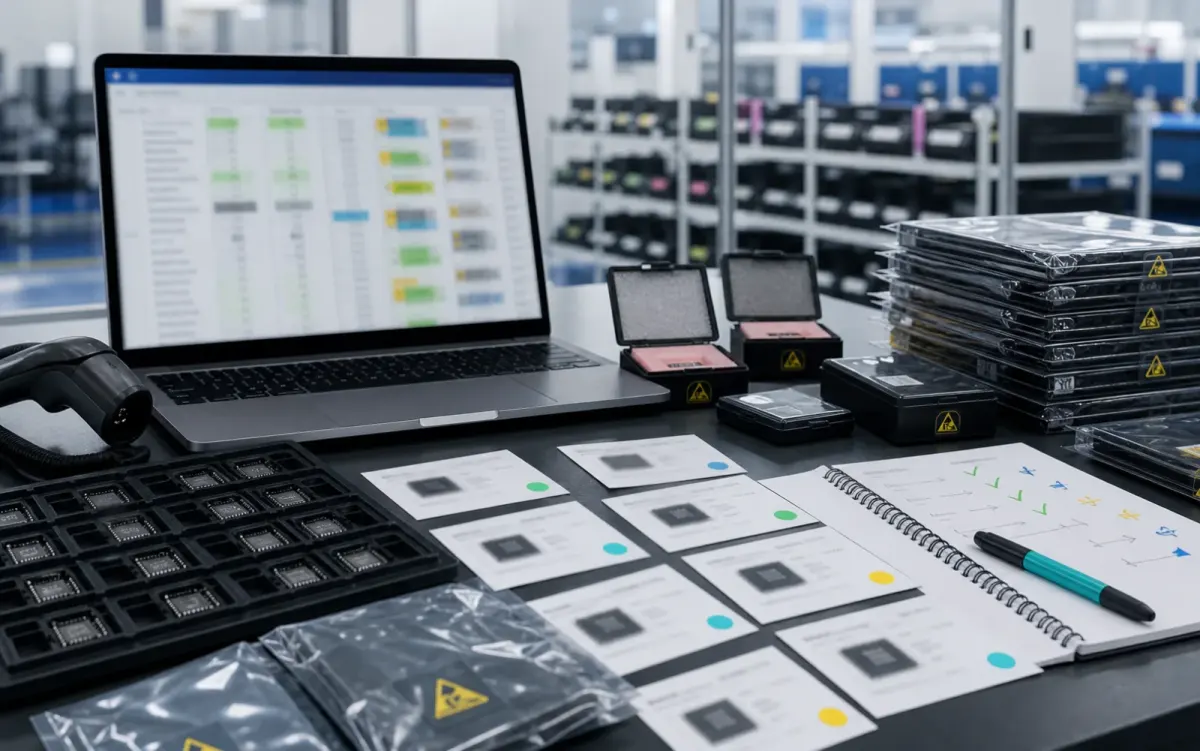
BOM lines are compared by package, parameters, quantity, and workable alternatives for cleaner sourcing decisions.
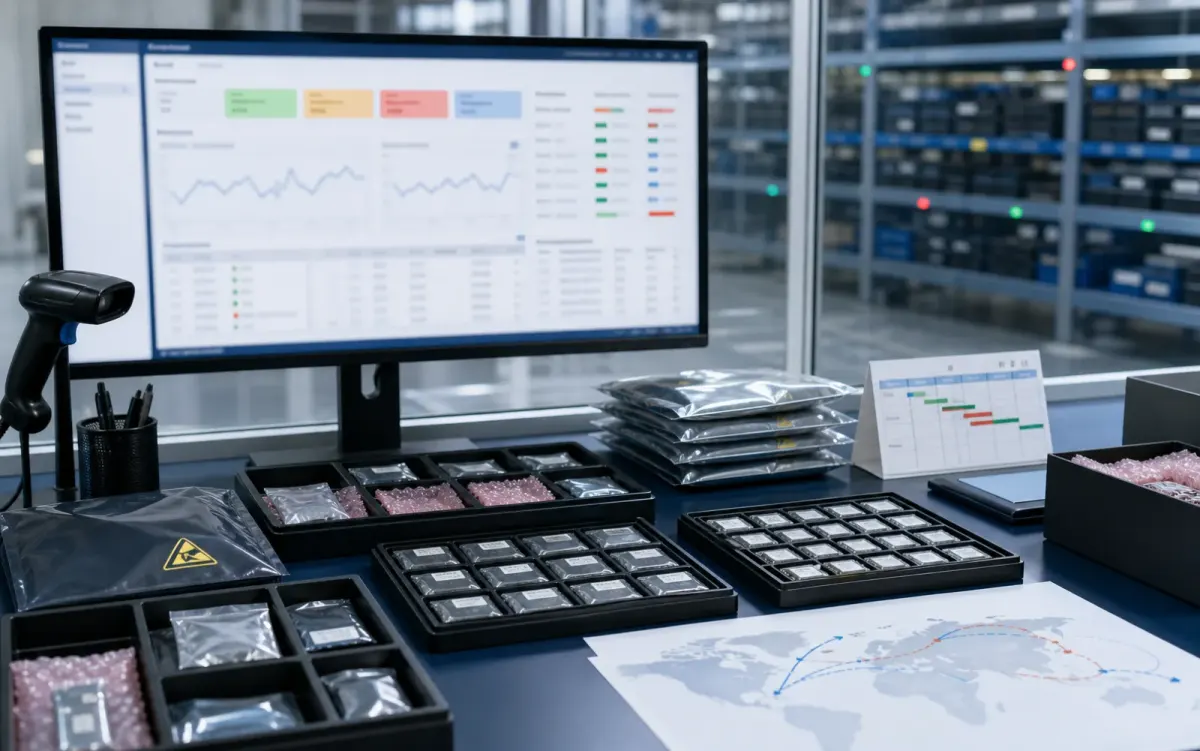
Stock routes, quotation confidence, lead-time notes, and shipment feasibility are checked before sales follow-up.
Buyer sourcing scenarios
Typical RFQ scenarios based on the WMSIC form fields, catalog data, manual review steps, and shipment preparation workflow.
The buyer shares the full part number, package requirement, quantity, destination, and available product photos so the quotation can record the exact version under review.
A multi-line BOM is organized into direct sourcing lines, lines that need package clarification, and lines where alternative-part review is permitted.
The original manufacturer part number, datasheet revision, application, critical limits, and acceptable changes are collected before possible candidates are discussed.
Sample quantity, minimum packing, package format, target date, and courier destination are kept together in one RFQ conversation.
Package photos, model markings, board context, and the quantity needed for repair help focus the sourcing review on the relevant version.
When a suffix or package note is incomplete, the response records the open difference and requests buyer confirmation before procurement proceeds.
Packing format, carton notes, invoice details, courier option, destination, and tracking handoff are coordinated around the confirmed order.
The request connects the previously used model, current demand, package evidence, target timing, and replenishment sourcing route.
Related products


