
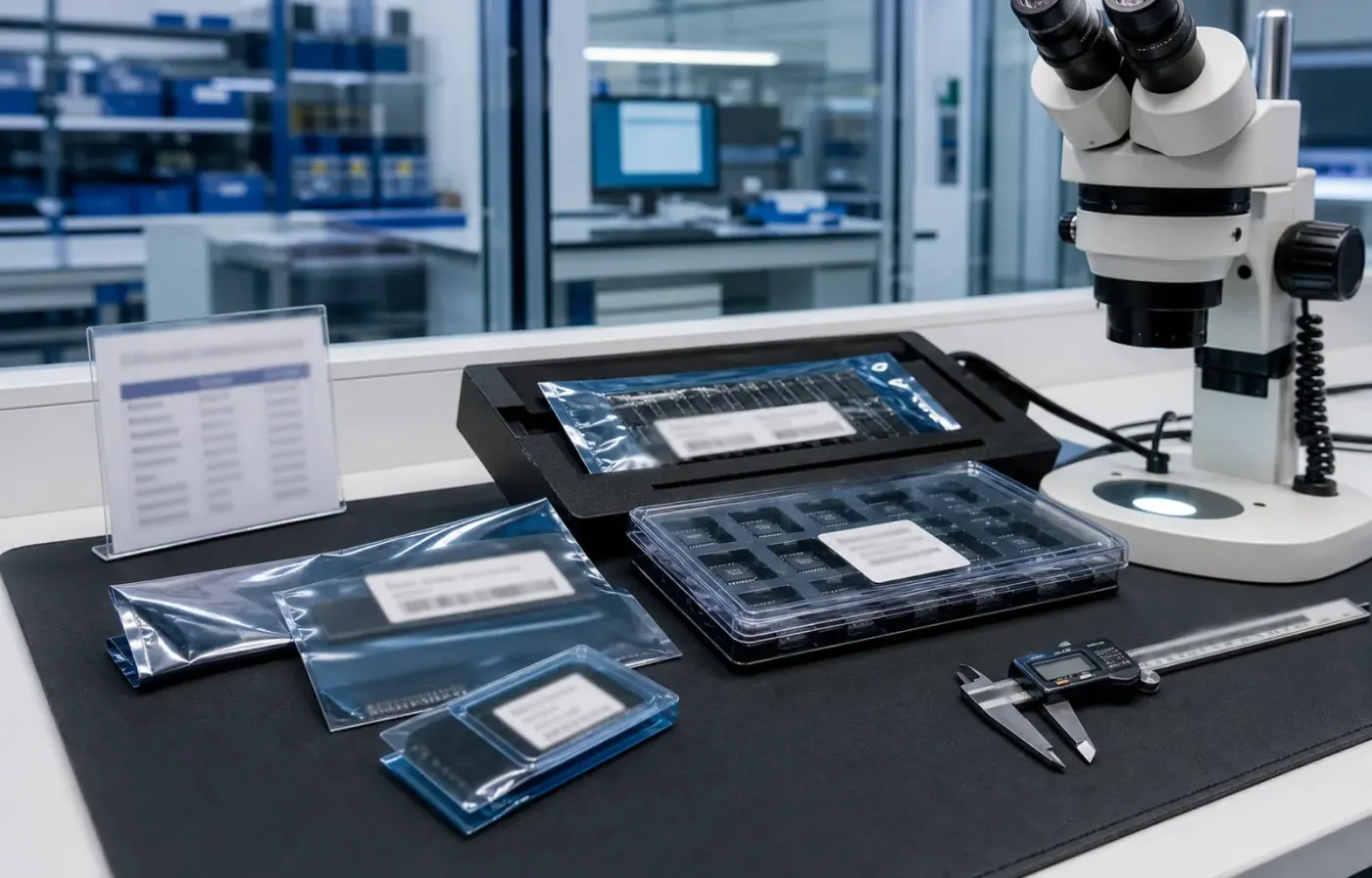
Model & package intelligence
Model text, package form, tray or reel details, and visual evidence are reviewed together before RFQ feedback.
 WMSIC
Electronic Components
WMSIC
Electronic Components
Available for RFQ
Technical data
For datasheets, package documents, compatible-part guidance, or other technical resources, contact WMSIC customer service. Availability is confirmed case by case.
1. Operating voltage: 6--30V
2. Trigger Signal Source: High Level Trigger (3.0 V-24 V), signal ground and system ground are not common, which can increase anti-interference abilit
system (short circuit can also connect with a ground common)
3. Output Capacity: can control no more than DC 30V 5A AC or 220 V devices 5A
4. Optocoupler Isolation: improve the anti-interference ability, after the parameter setting, it will memory forever
Warning: Relay contact is passive and electricity production; 1 channel has the control function on / off
Operation mode:
P1: After triggered signal, power relay on time OP, then turn off; within the OP period following operation:
1) P1.1: signal being triggered again is not effective
2) P1.2: signal being triggered again, start time again
3) P1.3: signal being triggered again, reset; disconnect relay, stop timing
P2: giving the trigger signal, the time after shutdown relay CL power relay OP time; then timing, turn off the relay
P3.1: give the trigger signal after the power relay on time OP, CL shutdown time relay; then operating cycle above cycle gaive signal again, shutdown relay stop timing; cycle times (LOP) can be set
P3.2: after connecting. no need to trigger signal, power relay on time OP, CL shutdown time relay; then the operating cycle above timea cycle (LOP) can be set
Q4: keeping the function of the signal; if there is no trigger signal, the time will be canceled, relay stay connected; when the signal disappears, timing OP turn off the relay; over time, if no signal again, the time is cleared
Time interval:
0.1 s (minimum) ~ 999 min (maximum) continuously adjustable
how to choose the time interval:
in the selection of parameter set interface mode, and press the STOP button to select the time
xxx. if the decimal point is in some place, the time interval is s-1 999 s
xx. x is decimal place is ten, the time interval is 0.1 s 99.9 s-
x. x. x is the decimal point are all on, the time interval is 1 min-999 min
parameter Introduction: OP power over time, turn off time CL, LOP cycle times (1-999 times, "---" is unlimited cycle)
How to set the parameter:
1. First make sure relay operation mode
2. According to the operaiting relay mode, the main interface (power module will flash current operating mode; standard mode P1.1, then come intot main interface); long press SET key two seconds and then looen enter selection interface mode; by pressing UP, DOWN key to choose the mode setting
(P1.1 ~ P4)
3. After selecting the mode, press short SET to set the corresponding parameter, then the parameter you want to set will flash
(OP power in time; CL power off time; LOP cycle times, "---" is unlimited cycle ); by UP, DOWN to set the parameter value, support long press
(increase or decrease quickly) and press slightly (increase or decrease of 1 unit); after setting the parameter value by short press the STOP key to choose decimal place; choose the time interval (corresponding time interval is 0.1 s-999 min); Short press SET to set the current mode next parameter, the process is the same as above
4. After the setting mode parameter, press and hold the SET button then hold the current configuration mode will flash, then go back to the main interface; define success parameter
main interface: when the relay does not work, it will show "000" (no decimal point); the operating state relay, the screen has a decimal point
Mode Select Interface: press and hold the SET key to enter; after setting, long press the SET button back on main interface
Expansion Function Key STOP:
Activate Relay mode:
1. NO: PO in power over time, relay can be connected
2. OFF: relay is not allowed to connect, when in the off state
in short main interface press the STOP key to achieve turn ON and OFF, current state will flash; then back to the main interface
(this function is a function of sudden stop, 1 key to turn off the relay)
Sleep Mode:
C-P Sleep mode: within 5 minutes, no operation; nixie tube will close auto display, and a function program well
The d-Normal Mode: nixie tube show ever
Note: Press and hold STOP button for 2 seconds can achieve change from C-P to O-d; Current state will flash and then return to the main interface
Size: 6.3*3.8*1.5cm/2.48"*1.50"*0.59"


Request for quote
Use the form for single models, category sourcing, and multi-line BOM requirements.

Product sourcing intelligence
WMSIC turns product data, package visuals, BOM context, and sourcing signals into practical RFQ notes for buyers.
Model text, package form, tray or reel details, and visual evidence are reviewed together before RFQ feedback.
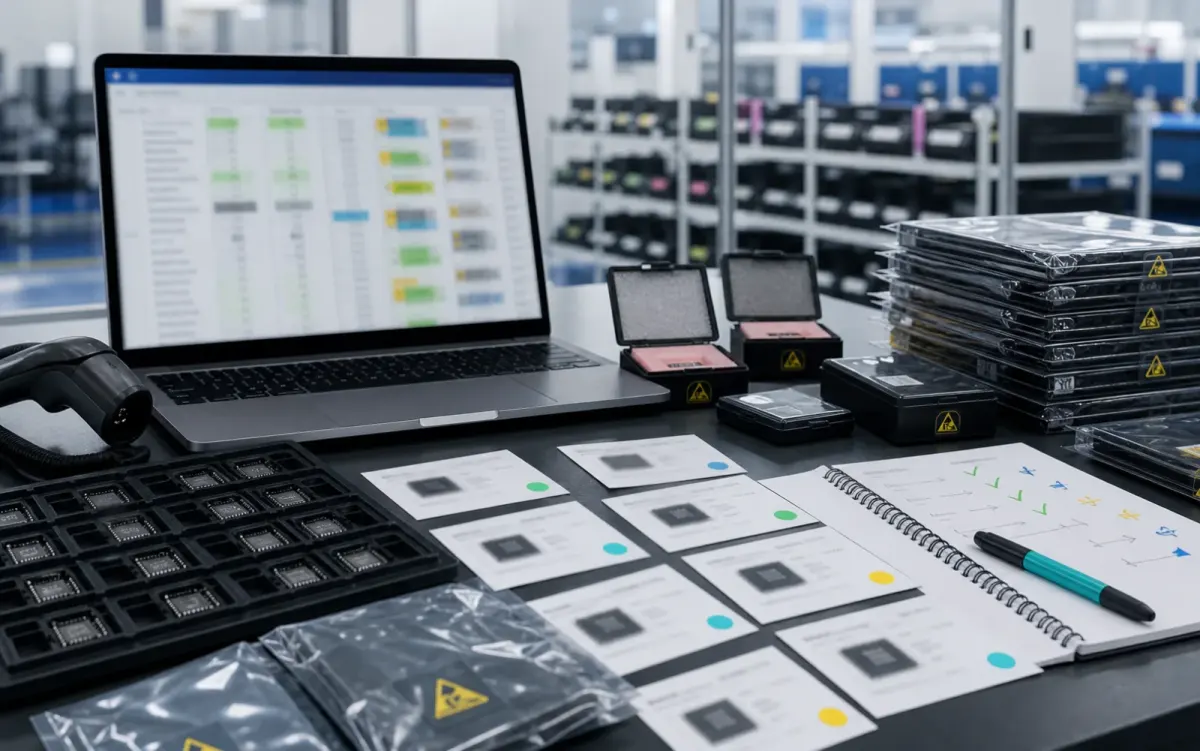
BOM lines are compared by package, parameters, quantity, and workable alternatives for cleaner sourcing decisions.
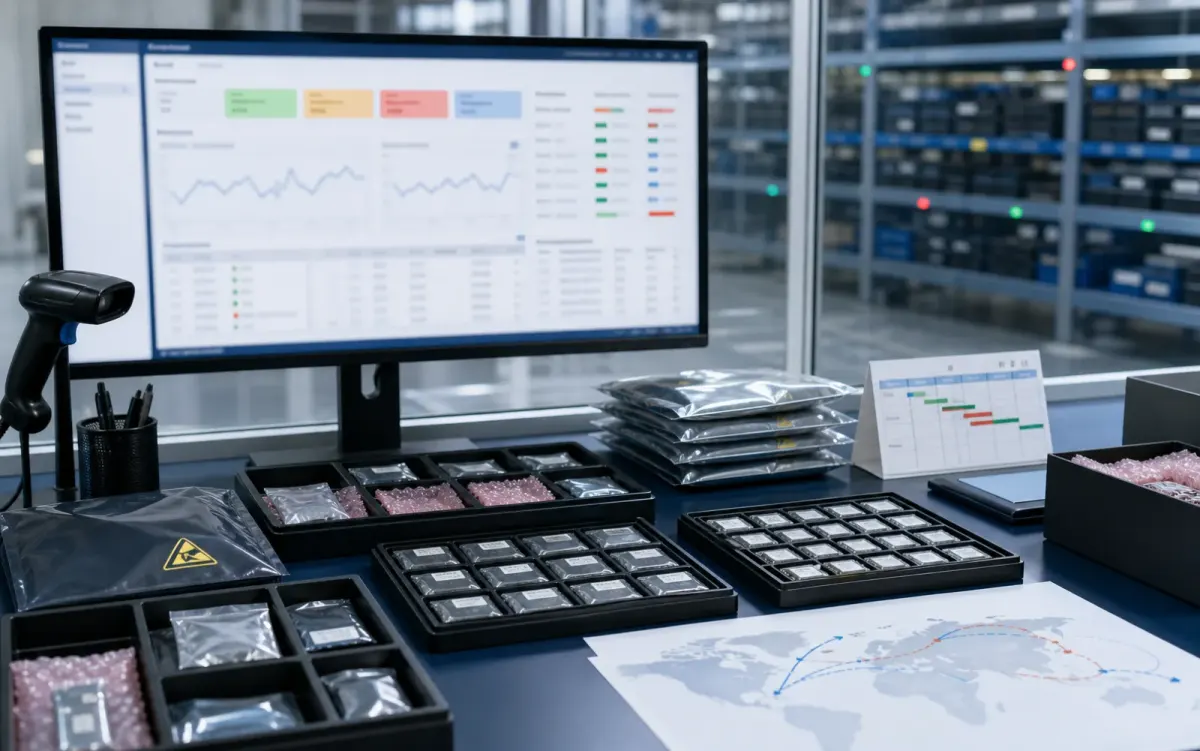
Stock routes, quotation confidence, lead-time notes, and shipment feasibility are checked before sales follow-up.
Buyer sourcing scenarios
Typical RFQ scenarios based on the WMSIC form fields, catalog data, manual review steps, and shipment preparation workflow.
The buyer shares the full part number, package requirement, quantity, destination, and available product photos so the quotation can record the exact version under review.
A multi-line BOM is organized into direct sourcing lines, lines that need package clarification, and lines where alternative-part review is permitted.
The original manufacturer part number, datasheet revision, application, critical limits, and acceptable changes are collected before possible candidates are discussed.
Sample quantity, minimum packing, package format, target date, and courier destination are kept together in one RFQ conversation.
Package photos, model markings, board context, and the quantity needed for repair help focus the sourcing review on the relevant version.
When a suffix or package note is incomplete, the response records the open difference and requests buyer confirmation before procurement proceeds.
Packing format, carton notes, invoice details, courier option, destination, and tracking handoff are coordinated around the confirmed order.
The request connects the previously used model, current demand, package evidence, target timing, and replenishment sourcing route.
Related products


